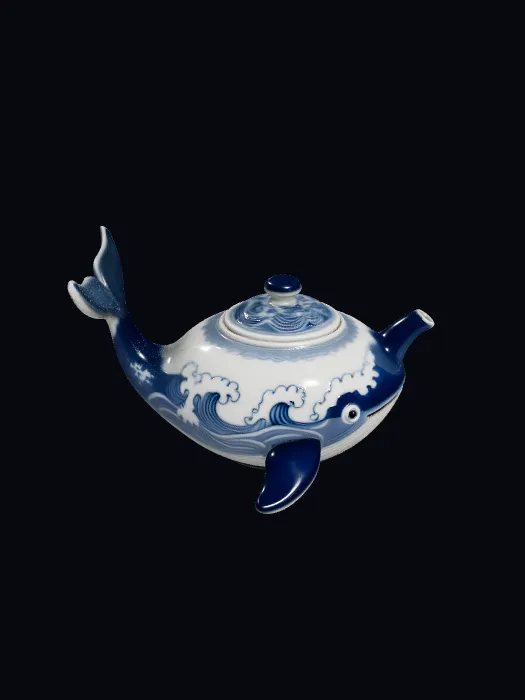
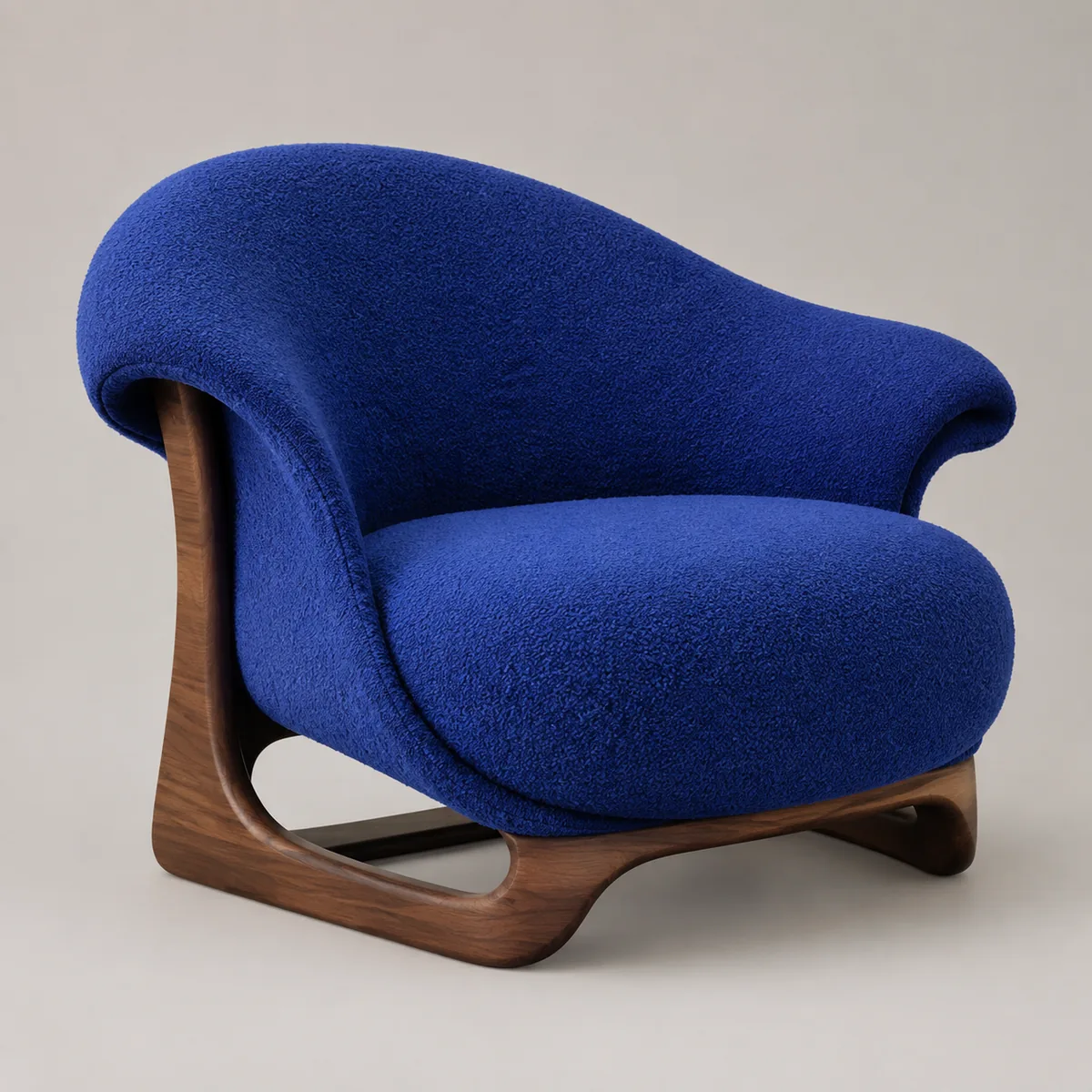
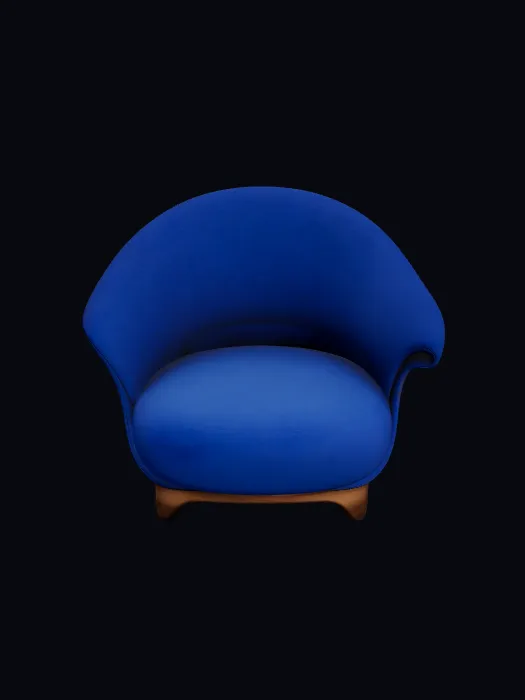
01 / IMAGE → MODEL
Image to 3D
Drop a product photo, character sketch, or reference image. The node generates a textured 3D model — ready to use or feed into the next node.
Kreat3D Canvas
Create 3D models from images or text, generate textures, and connect every step on one visual canvas.
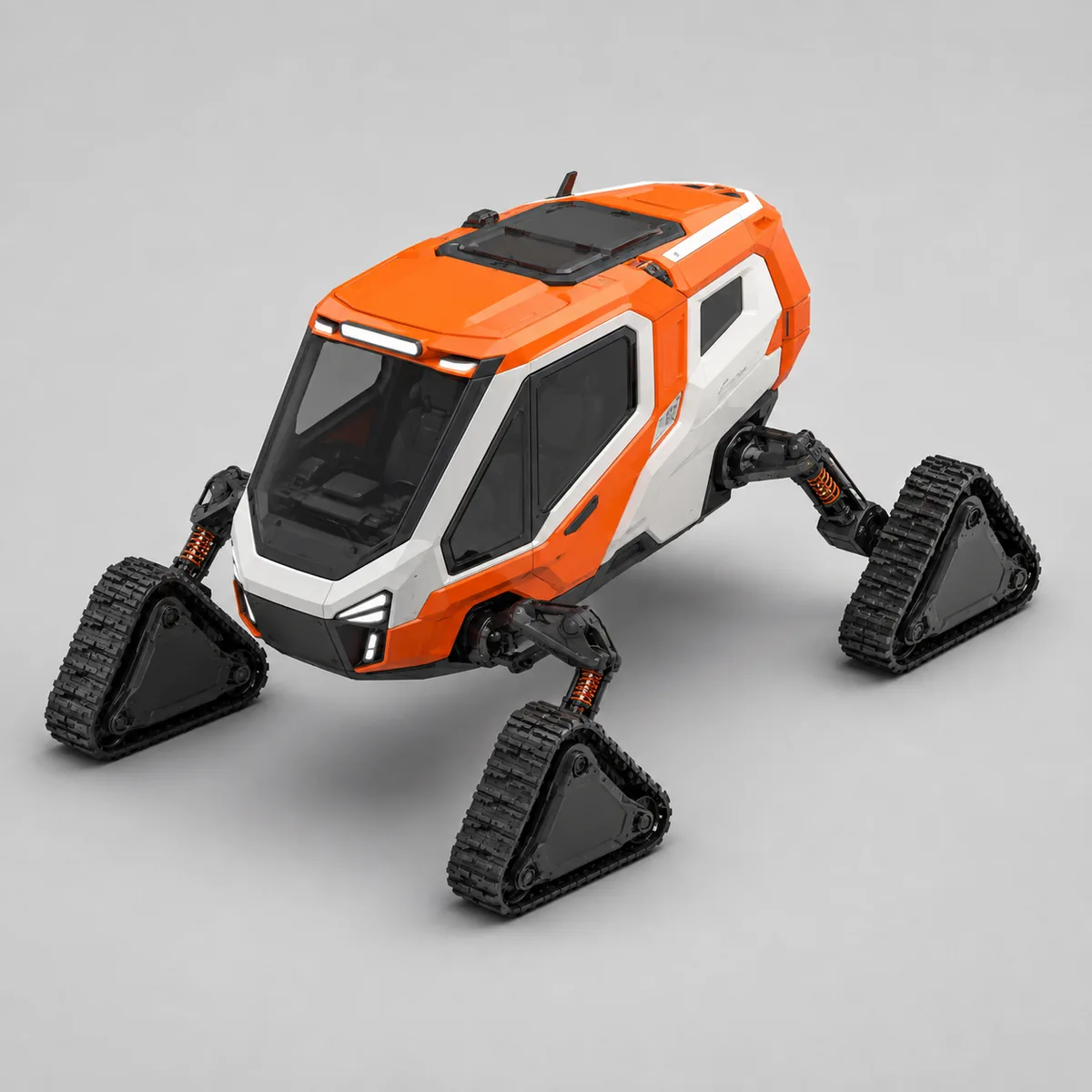
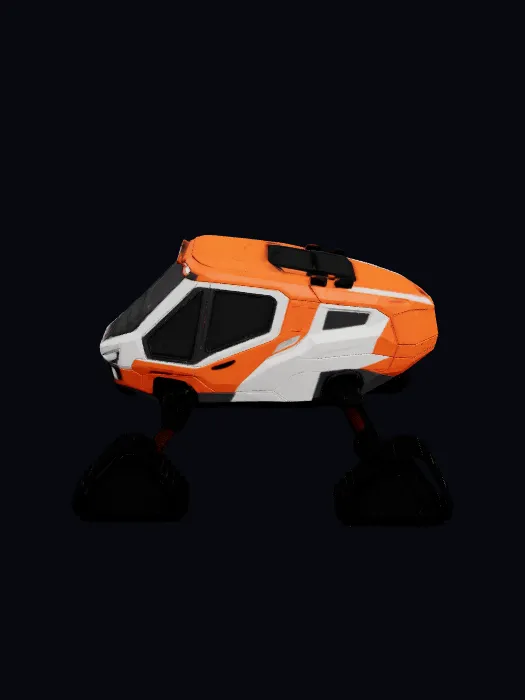
A compact polar rescue snowcat with four triangular tracks and an orange-and-white expedition livery.
Kreat3D brings image-to-3D, text-to-3D, texture generation, and AI image nodes into one visual canvas. Build each step, connect the flow, and run the nodes in sequence without switching tools or repeatedly exporting and importing files.
Pick from image-to-3D, text-to-3D, texture generator, and AI image nodes. Drag them onto your canvas.
Link nodes together — feed an AI-generated image into a 3D model node, or connect a model to a texture node. The graph builds your pipeline.
Run each node in sequence, then download its output. Bring your 3D models and images into your game, 3D printing, or content creation workflow.
01 / IMAGE → MODEL
Drop a product photo, character sketch, or reference image. The node generates a textured 3D model — ready to use or feed into the next node.
02 / WORDS → WORLDS
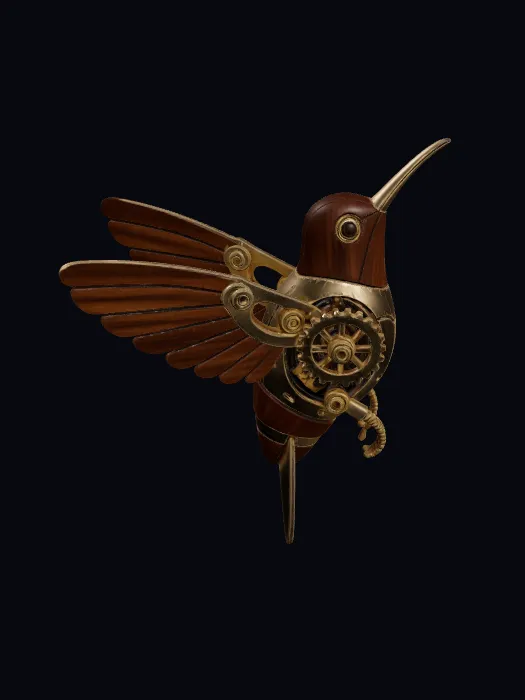
Describe the 3D model you need. The AI 3D model generator turns your prompt into a model you can inspect, texture, or connect to another node.
03 / SHAPE → SURFACE
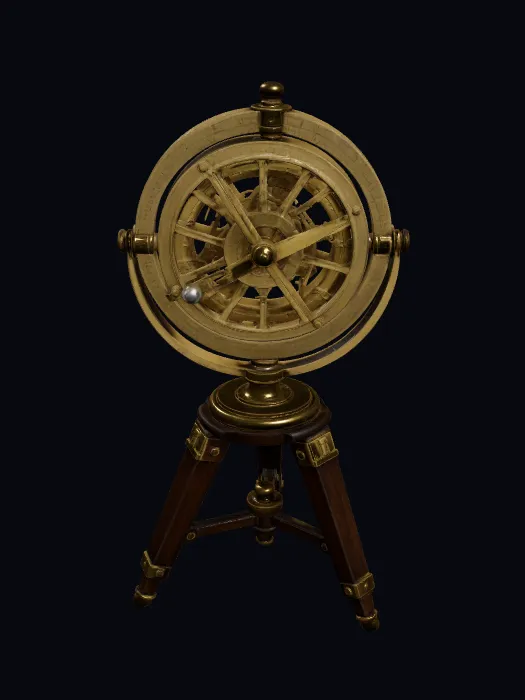
Need a new material for your model? Add a texture node, describe the surface you want — wood grain, brushed metal, stylized stone — and texture a model generated on your account in the same canvas.
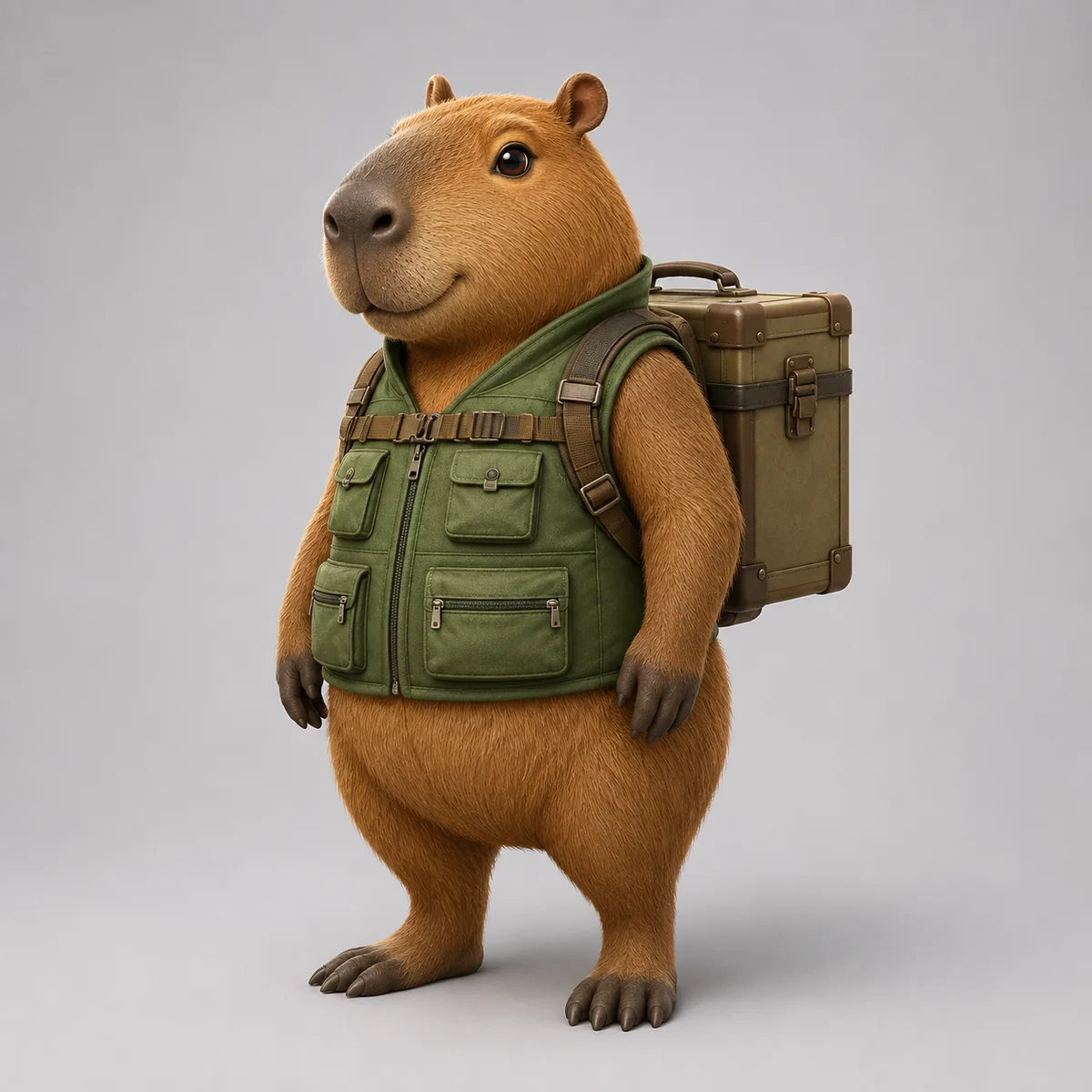
A friendly capybara field botanist in a forest-green utility vest, carrying a compact specimen case.
04 / IDEA → IMAGE
Start with an AI image as concept art, then pipe it into the image-to-3D node. Or use it for reference, moodboards, and variations — all in one flow.
Follow one connected workflow from an Ember Fox brief to concept art, a 3D model, and a detailed material pass. Each stage stays visible on the same canvas.
Template concept · background adapted for presentation
Runs entirely in your browser — like ComfyUI, but for 3D and without the setup.
Image-to-3D, text-to-3D, texturing, and AI image generation share the same canvas. Connect them, don't juggle them.
Change an input and re-run the connected nodes. Keep your workflow and refine the result without starting over from scratch.
You already know the node paradigm. Our canvas is the same idea, purpose-built for 3D pipelines — with image-to-3D, texture, and model generation nodes already integrated.
Already using our image-to-3D tool? Open the 3D model maker and select your generated model from My Assets. Add textures, create AI images for variations, or connect it to a larger workflow.
Kreat3D is a visual node canvas for AI 3D workflows. Add image-to-3D, text-to-3D, texture, and AI image nodes, connect them, and run each step in your browser.
Yes. It runs in your browser, so there is no local installation, GPU setup, or ComfyUI setup.
Add image-to-3D, text-to-3D, AI image, or texture nodes, connect the steps you need, and run them in sequence. The visual Canvas keeps each input, setting, and result in one workflow.
Connect an AI-generated or uploaded image to an image-to-3D node, or pass a generated or saved model to a texture node. Each stage remains visible on the same Canvas, without repeatedly exporting and importing files.
A node Canvas shows prompts, reference images, 3D models, and texture steps as one connected workflow. Change an input and rerun the relevant nodes while keeping the rest of the process visible.
Download the existing output from each image, model, or texture node. The file format depends on the generation output; the Canvas does not convert it to another format. Texture nodes return textured 3D models, rather than a separate PBR texture-map package.
Our canvas is purpose-built for 3D workflows, with image-to-3D, text-to-3D, and texture generation integrated in your browser. It uses the same visual node paradigm, without requiring a local ComfyUI installation or custom-node setup.